 Windshear
 Companion app
See where they
are, and when
they're home.
Windshear Viewer lets you follow a pilot or cabin-crew member's flight schedule, shared straight from their Windshear app. Read-only, schedule-only, and completely private.
When someone shares their roster, you get the view.
No forwarded screenshots, no group chats. Family, friends, or crewing see the schedule as it changes, and nothing more.
They share
A crew member taps Share in their Windshear app and sends you a private invite.
You follow
Open the invite in Viewer. Their upcoming flights and duties appear, read-only, always current.
They stay in control
The roster lives in their iCloud. They can stop sharing at any time, and access ends instantly.
Their whole schedule, however you want to read it.
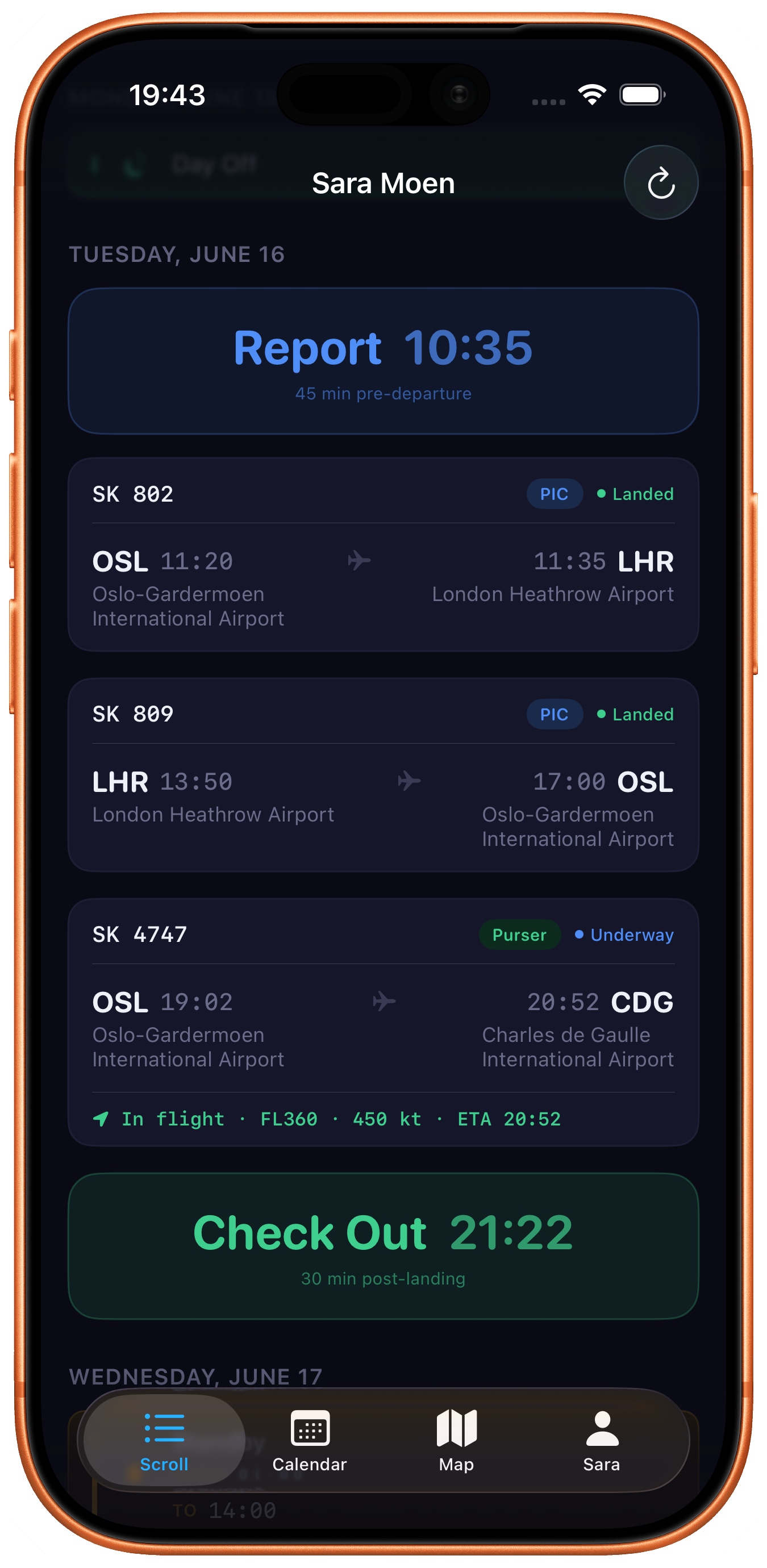
A clean, day-by-day list
Report and check-out times, every flight number, route, and status, laid out chronologically so you always know what's next and when they're done.
- Live flight status, landed, underway, in flight
- Report and check-out times for every duty
- Airports, times, and aircraft at a glance
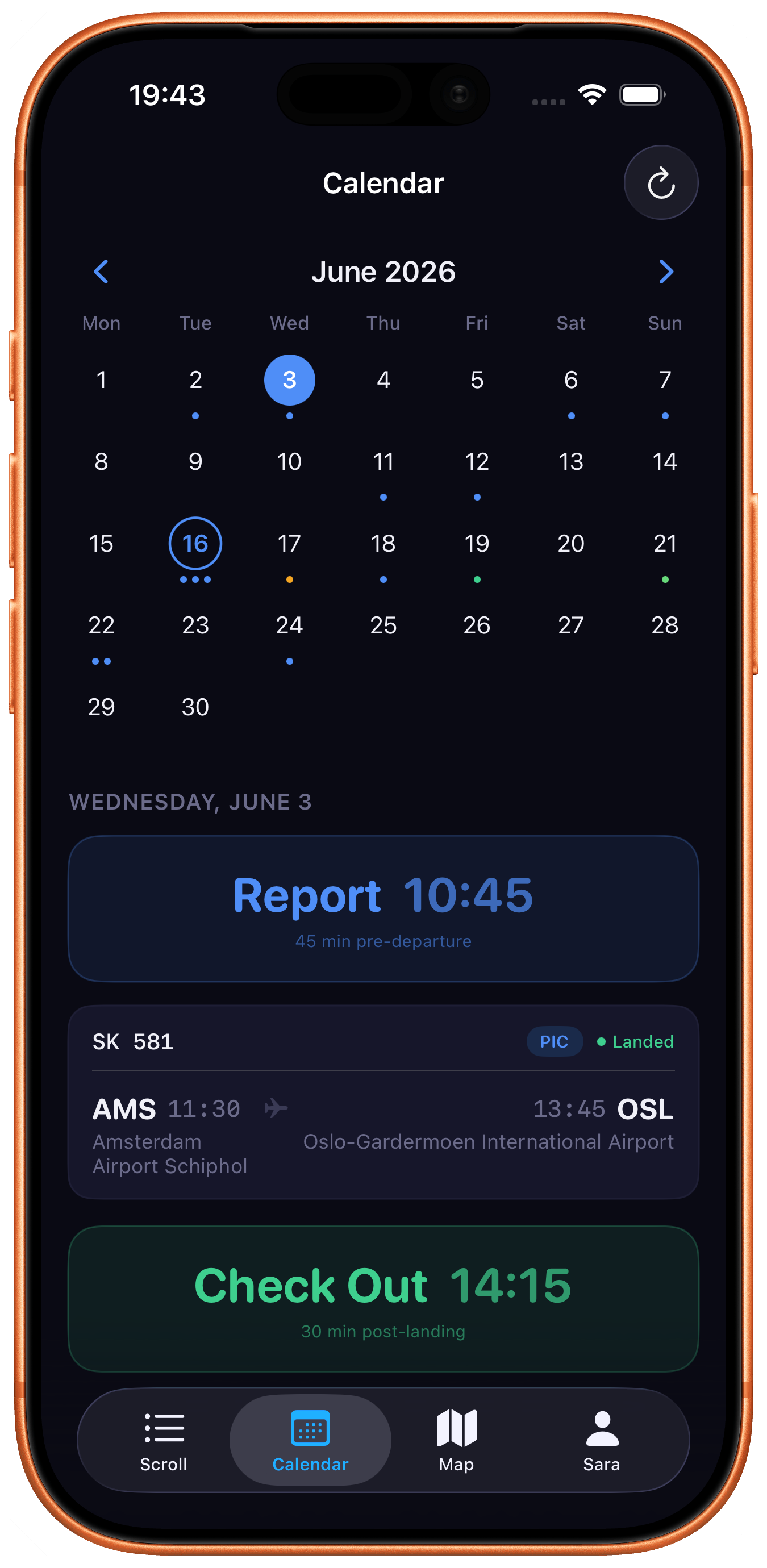
The whole month at a glance
Every duty marked on a familiar month grid. Tap any day to see its flights, report time, and check-out, perfect for planning around when they're away.
- Colour-coded dots for flights and duties
- Tap a day for the full breakdown
- See free days and home time instantly
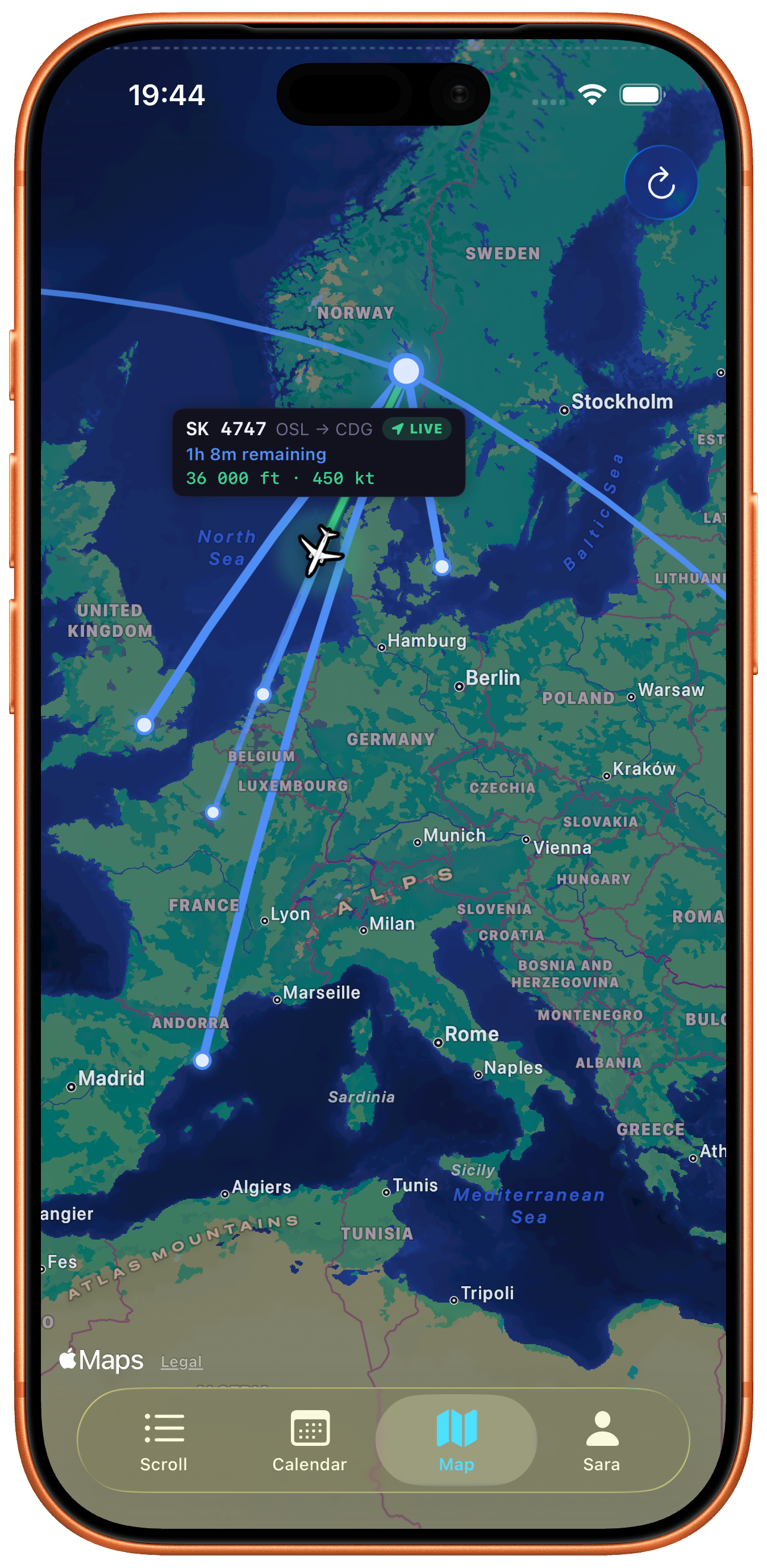
Routes, and flight tracking
See their flights traced across the world map, with the live aircraft when they're airborne, altitude, speed, and time remaining, right there on the route.
- Live aircraft position while in flight
- Altitude, ground speed, and ETA
- Great-circle arcs for every route
Manage the rosters shared with you
Follow more than one person, a partner, a parent, a colleague you fly with. Switch between them in a tap, and remove anyone whenever you like.
- Several shared rosters in one place
- No invite yet? Open a sample demo roster
- Remove anyone, anytime
Read-only. Schedule-only.
Nothing else.
You see flights and duty times, never private details. The same privacy promise as Windshear itself.
Read-only
You can look, never change. Viewer shows the schedule exactly as the owner keeps it.
Schedule-only
Flights and duty times. No personal details, no location beyond the flight itself.
Owner's iCloud
The shared roster lives in the owner's own iCloud, there's no server holding it.
No account
No sign-up, no ads, no tracking. Open the app and follow, that's it.
New to Windshear Viewer?
You don't need an invite to explore. Open the People tab and tap View demo roster to try the whole app with a sample schedule.